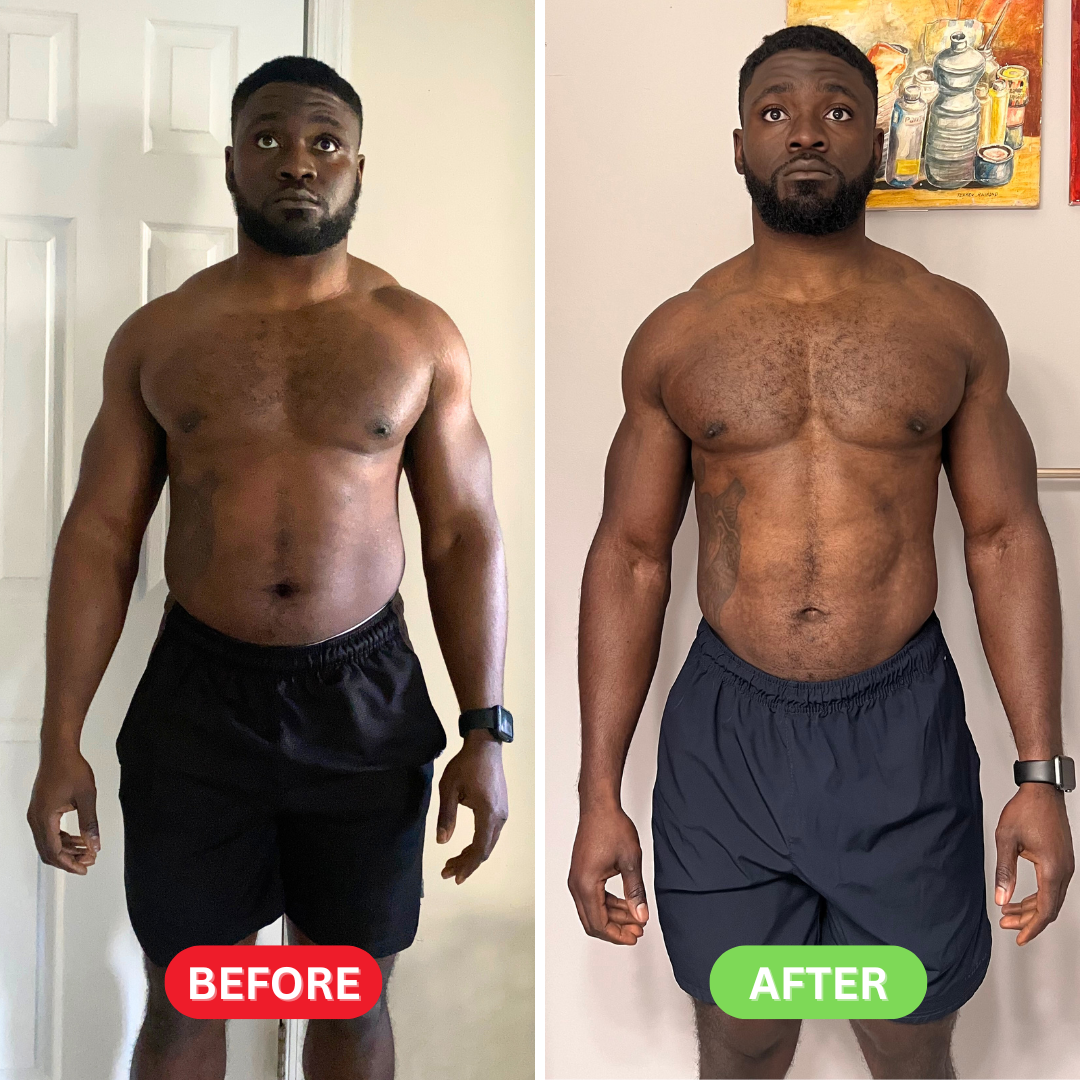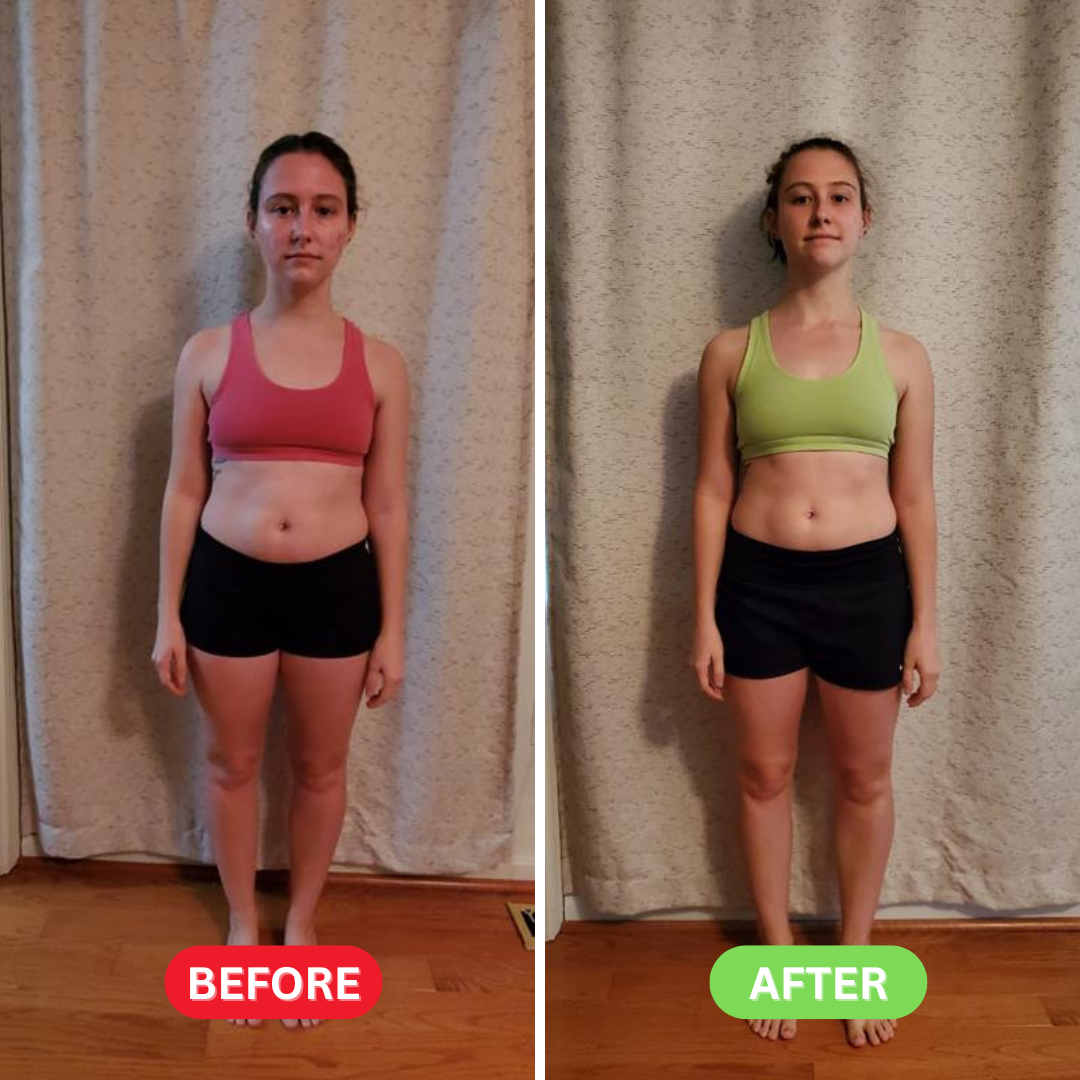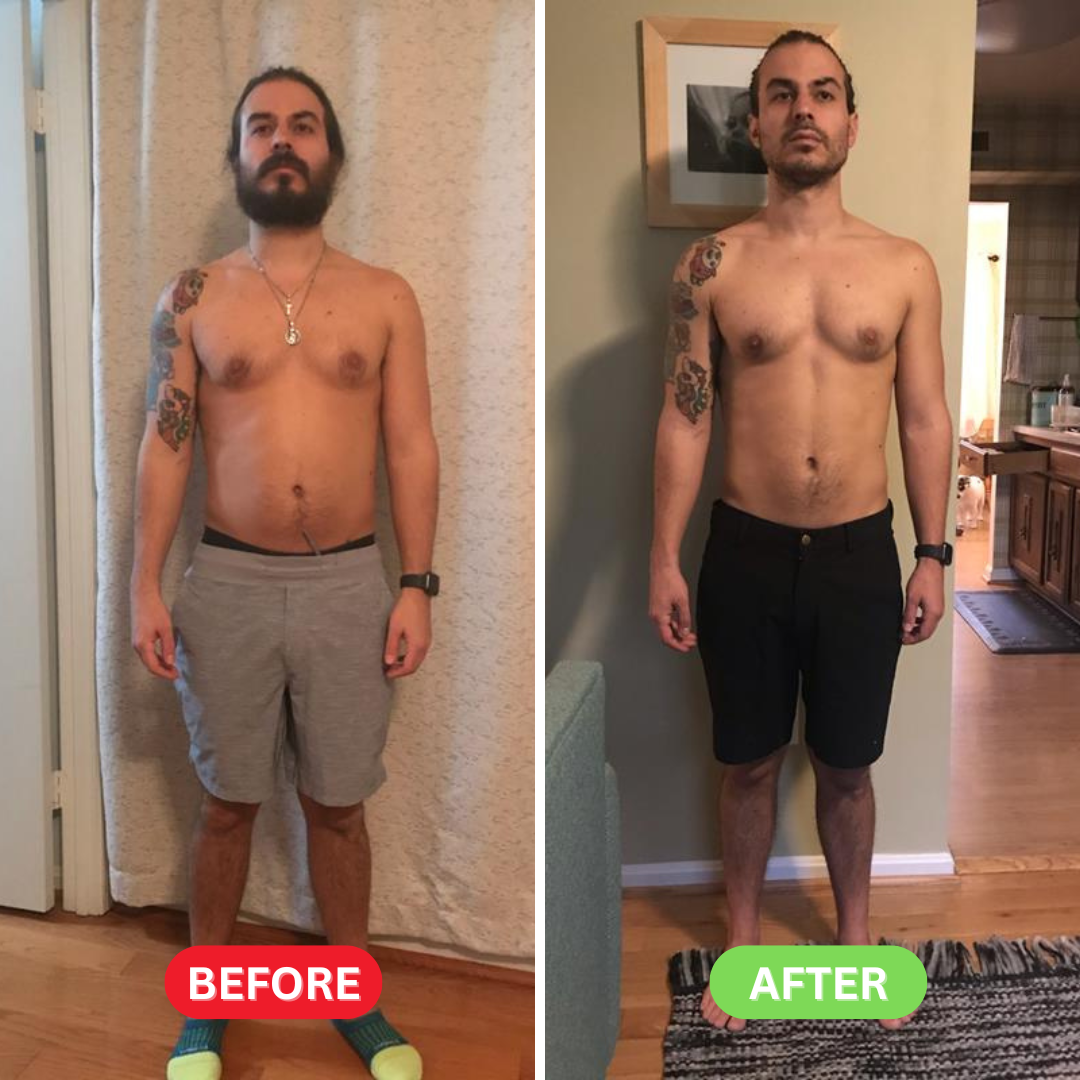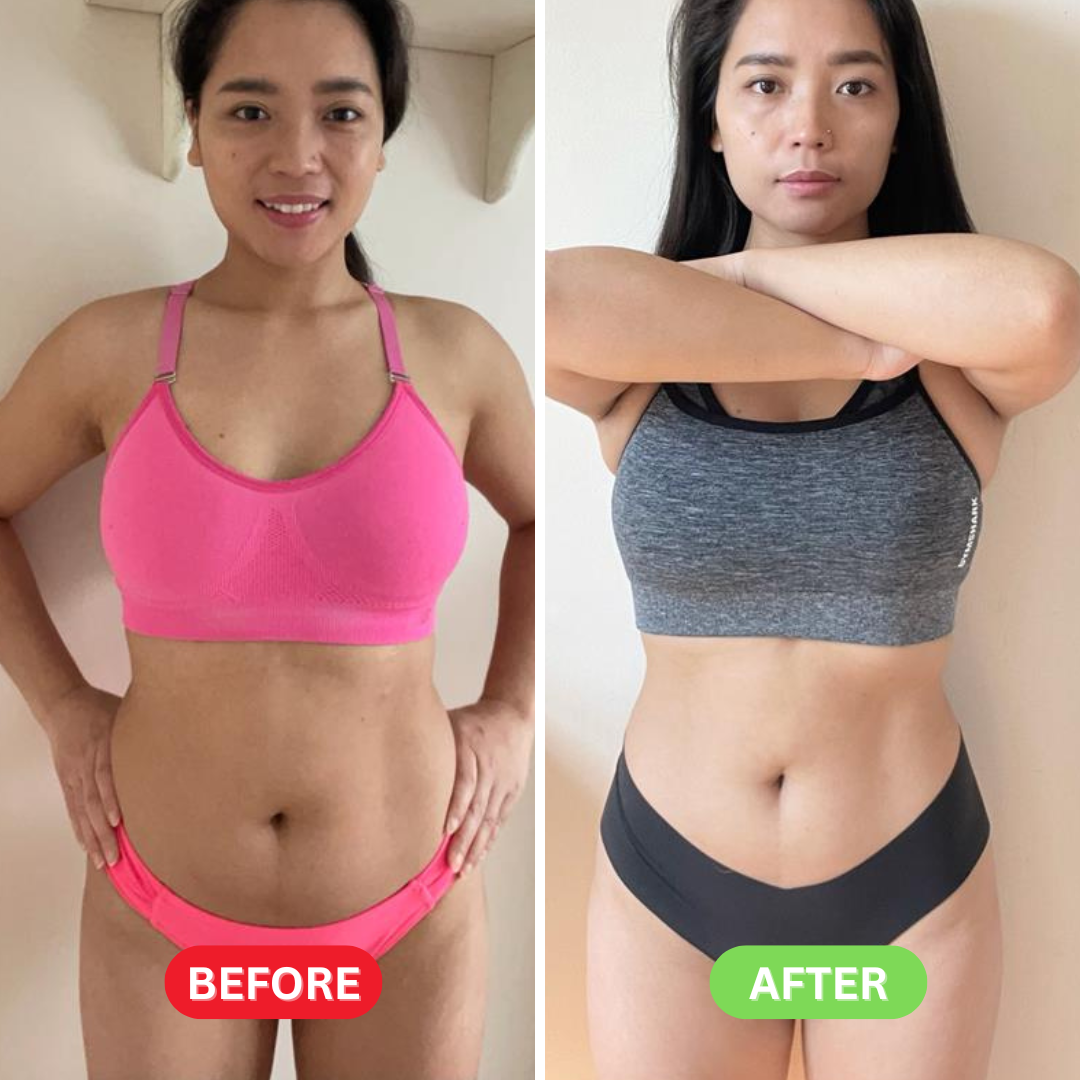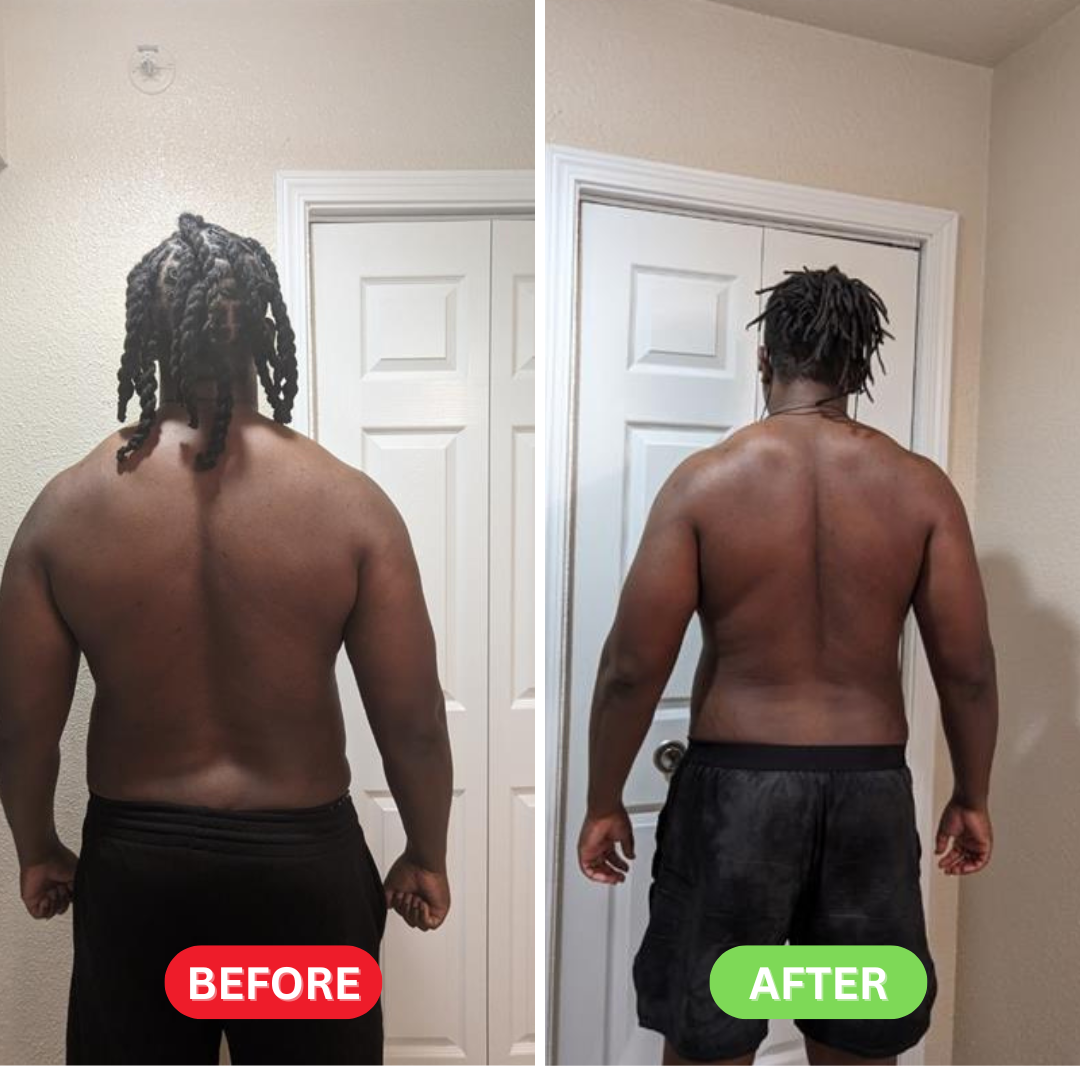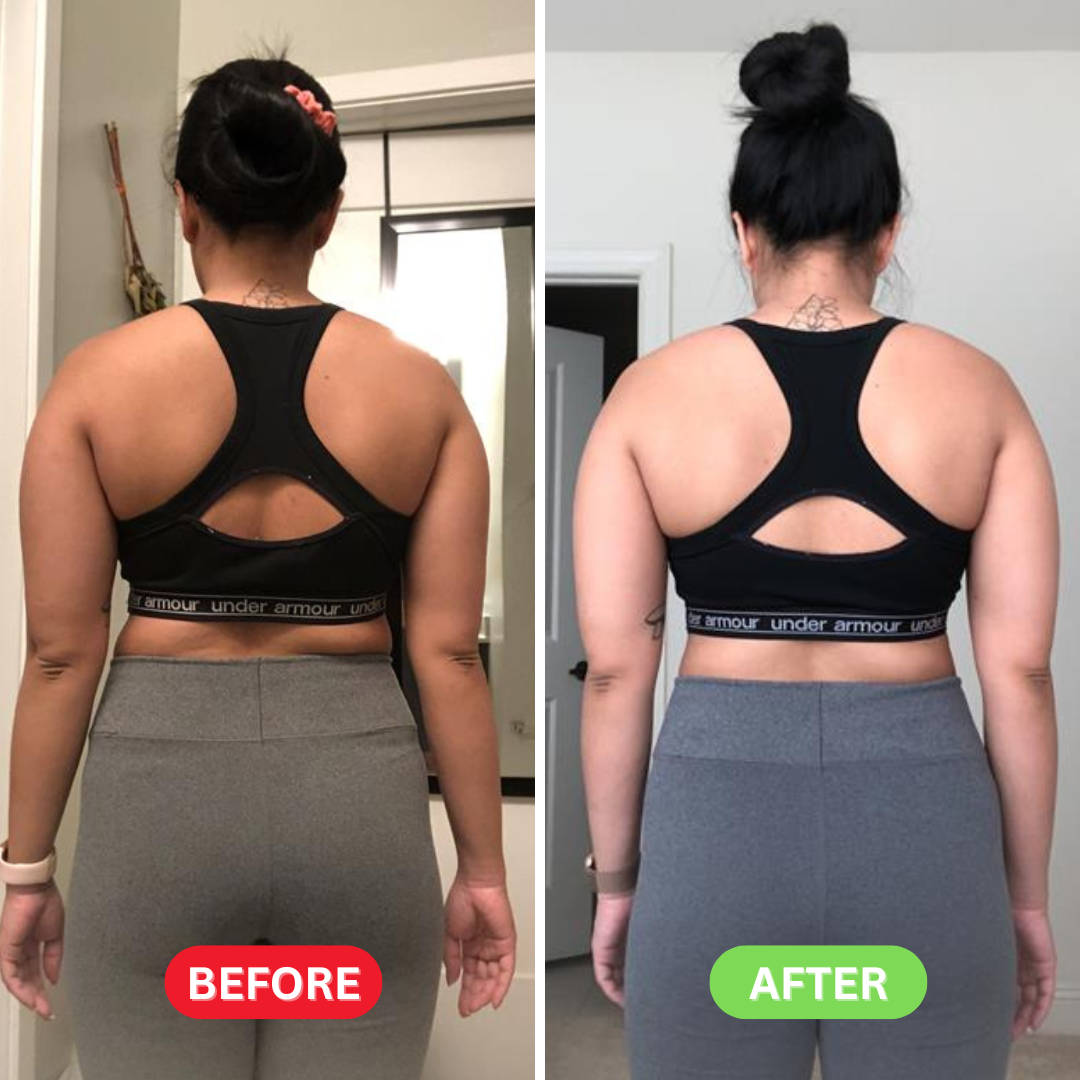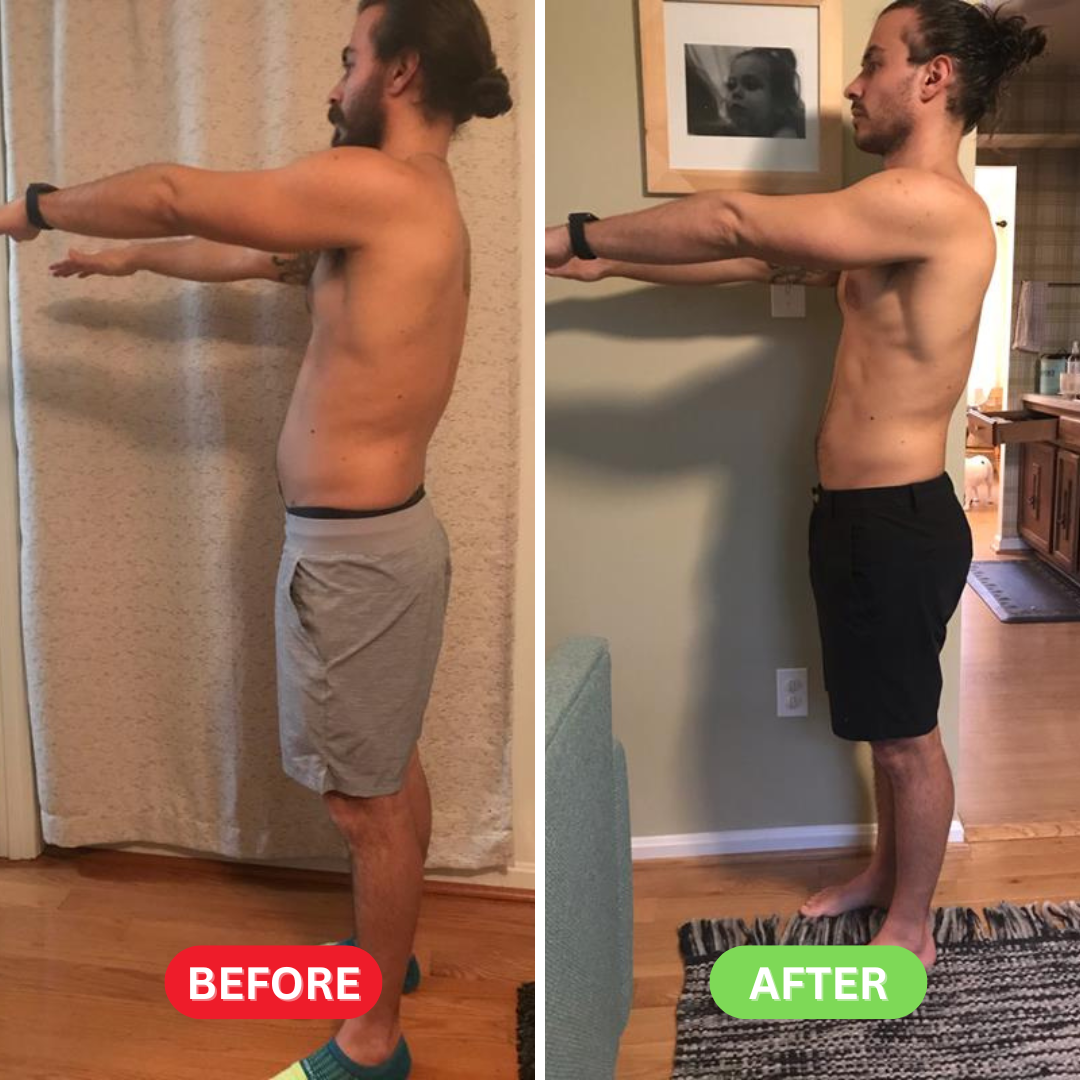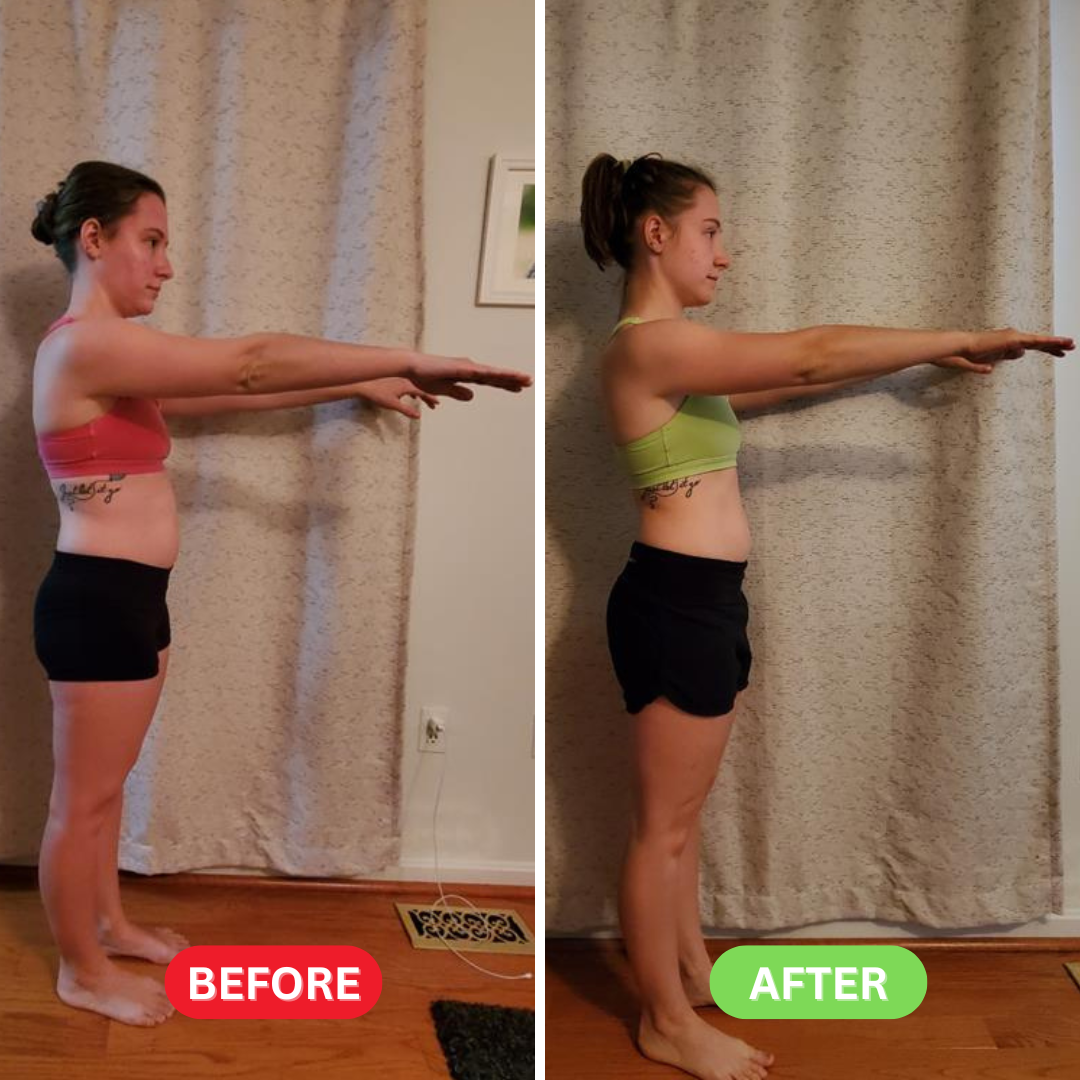


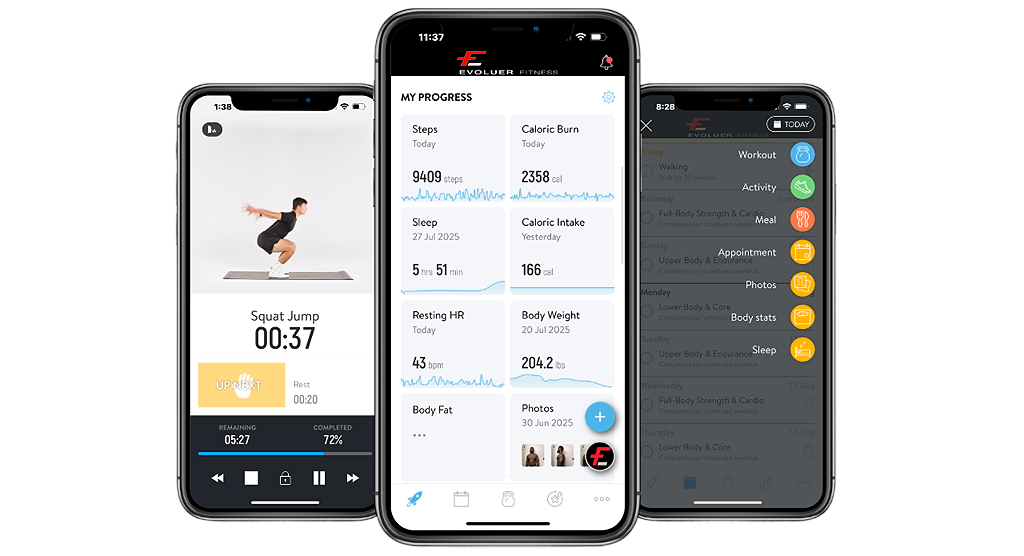
Evoluer+ is your all-in-one online personal training subscription. Get customized workout plans, expert coaching, and real progress tracking through our fitness app. Whether you’re training at home or in the gym, Evoluer+ helps you build strength, lose weight, and stay consistent — anywhere, anytime.
Your Coach, In Your Pocket.
Tell us where you are and where you want to go.
1a.) Register For Free Trial
1b.) Check your inbox for the account setup link & Welcome email
1c.) Set up your account password & Answer Questionnaire
1d.) Download the Trainerize App via App Store/Play Store
1e.) Log in to your profile
1f.) Toggle through the Evoluer Fitness Dashboard to see your schedule
Designed by real coaches for your lifestyle and equipment.
Training Programs tab
Open Training Programs to see your Main Program—this is your primary plan and core training focus.
Add workouts (+) → Workouts tab
Tap the + button to open Workouts. You’ll find libraries of pre-built workouts.
Build your plan
Mix and match workouts anytime, reorder them, add other activities (runs, mobility, etc.), or create your own custom workouts.
Log your workouts, monitor results, and celebrate every milestone.
1) Set your starting point
Log your body stats first.
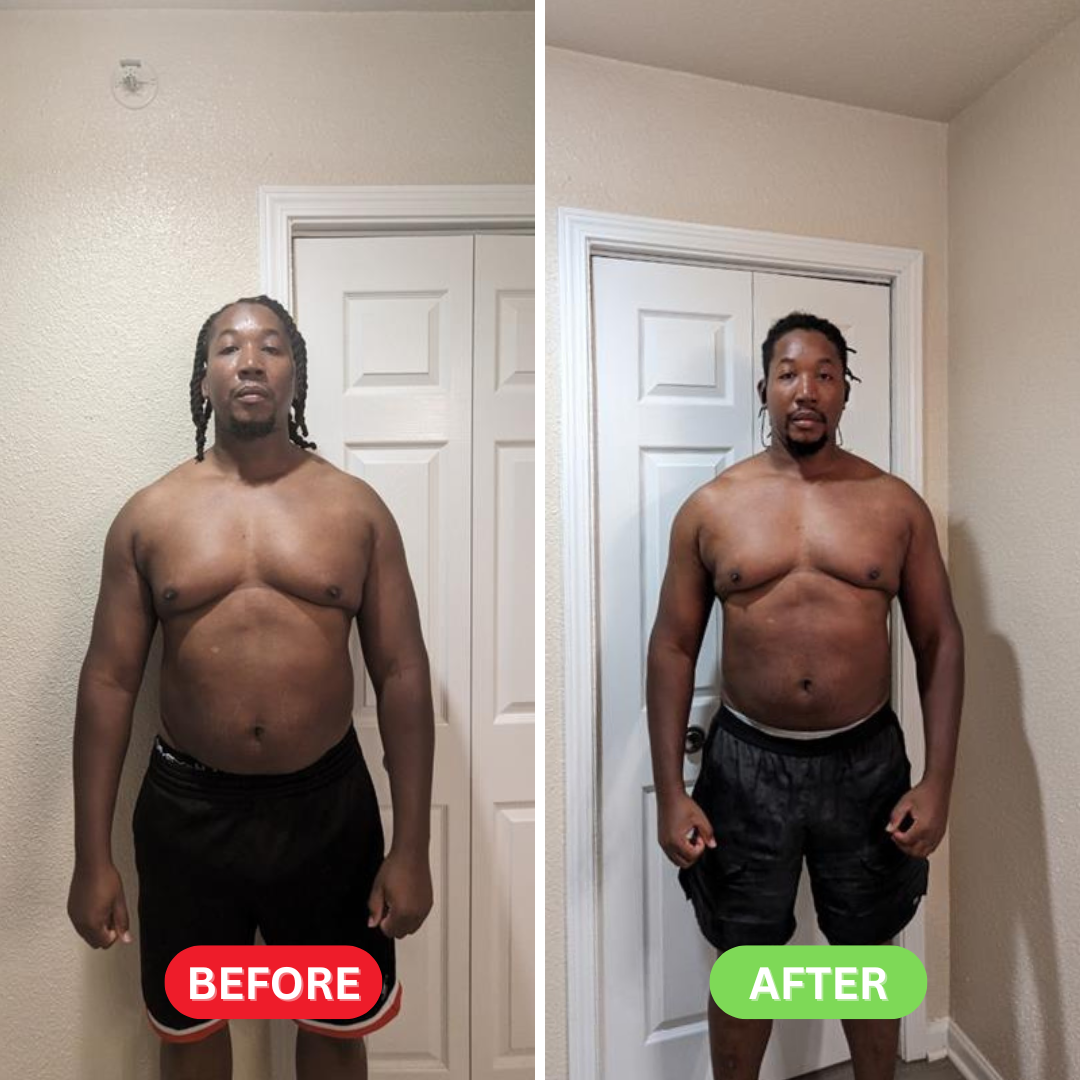
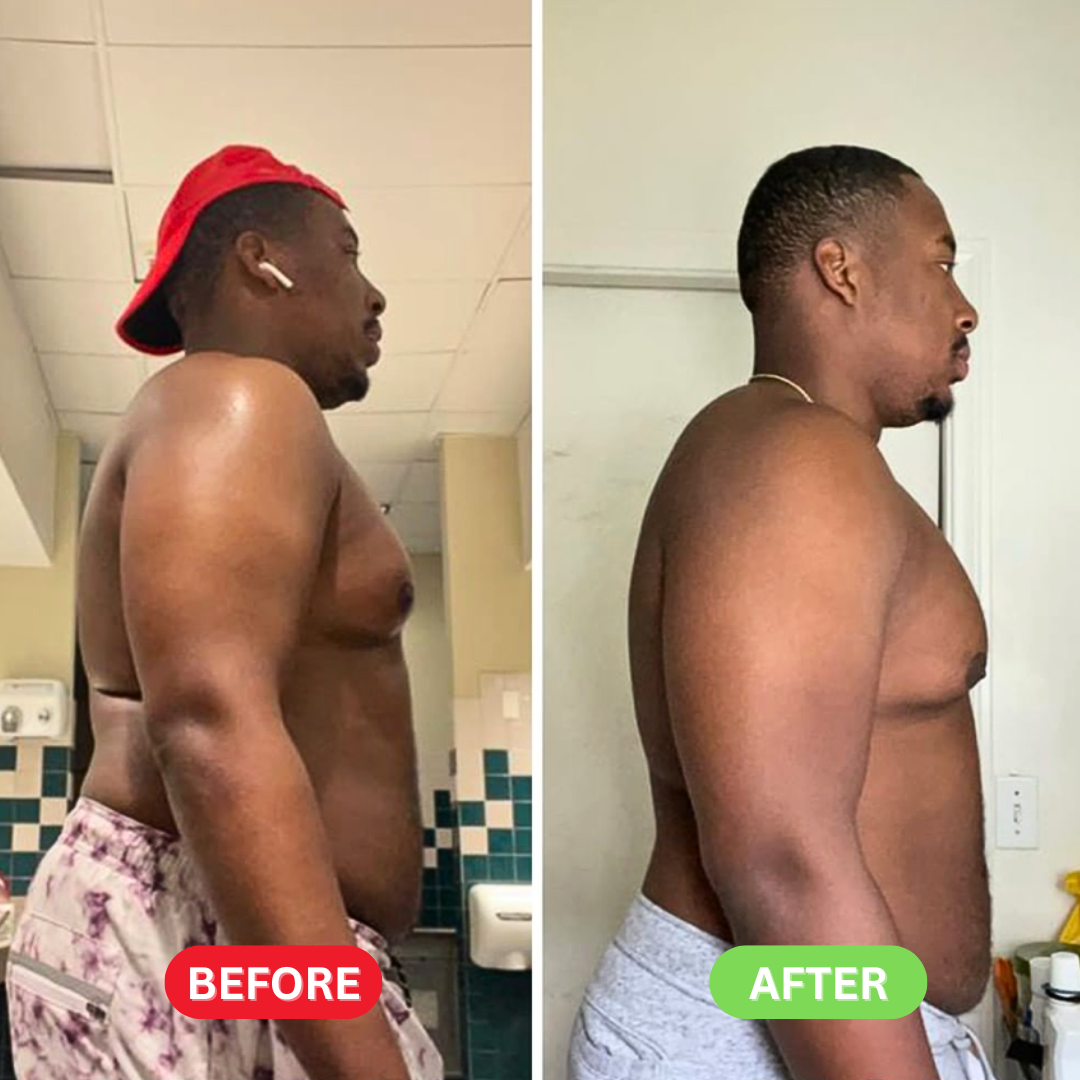
Do it two ways: enter your current weight and take your first progress photo.
This documents your baseline for future comparison.
2) Start a workout and record it
Choose a workout and press Start.
For circuit/traditional/interval sessions, log your sets, reps, and weights (and time/rounds if relevant).
When you finish, enter your RPE (1–10) for how it felt and add any notes or questions.
3) Track your progress automatically
If you use a smartwatch or fitness tracker, sync it with the app.
Your steps, calories, sleep, resting heart rate, body weight, and more will appear on your Dashboard.
Customize the Dashboard: add metrics you care about and remove ones you don’t.
4) Need help?
Send us an in-app message anytime. A coach will jump in to guide you, answer questions, and keep you focused.